How to find a specific product:
-
- Click the video below.
-
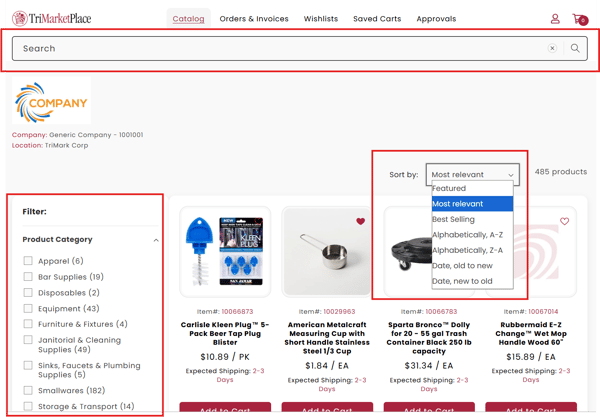
Once in Catalog, you will find all your products. You can search for a specific product by using the search bar on top. You can sort products by using the dropdown menu on the right side.
Adding items to Shopping Cart
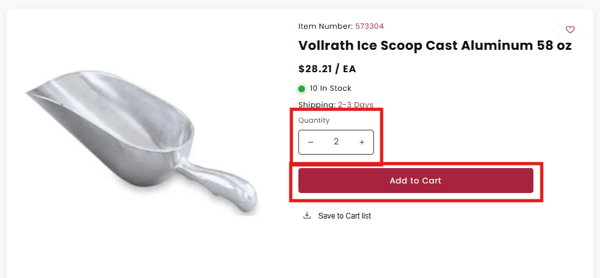
Navigate to the desired product's detail page. You will see quantity to select your quantity, then click the Add to Cart button.
-
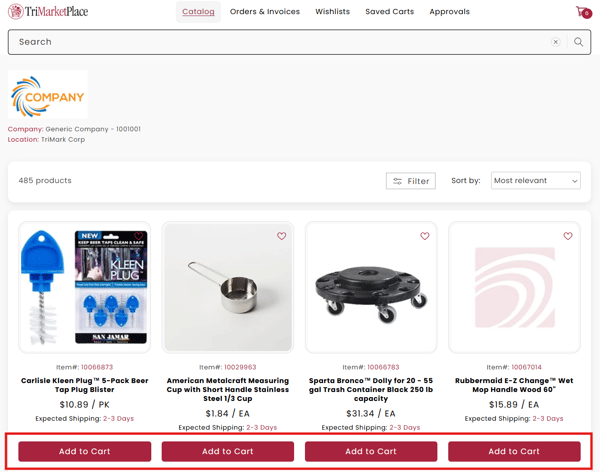
Navigate to the Catalog from your dashboard to see the items available for you to purchase. Click Add to Cart to add to Shopping Cart.